USB / SD · MPC STANDALONE
Plugin Manager USB for OPEN MPC
Browse, install, update and remove community plugins on your MPC touchscreen.
Inside the manager
6 screens
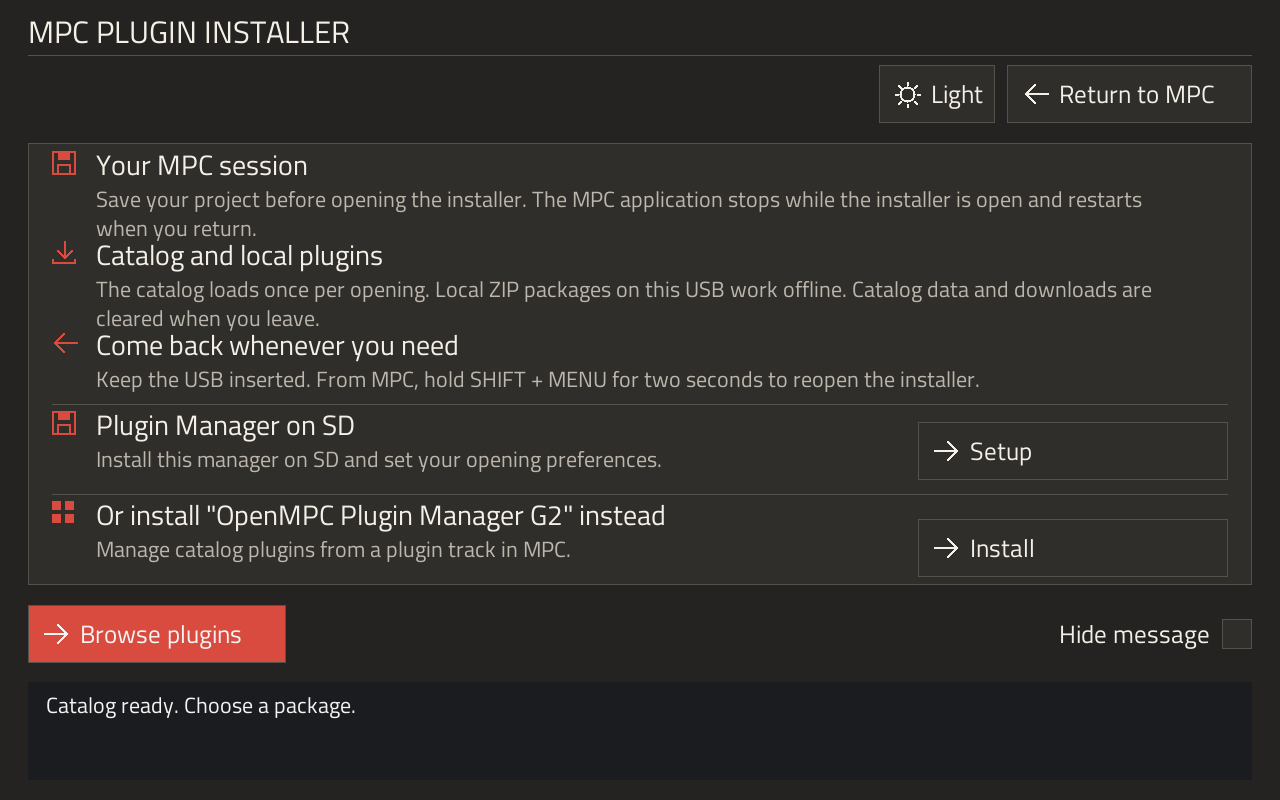
Welcome
OpeningChoose how to open the manager, install to SD or use the on-track OpenMPC Plugin Manager VST instead.
View guide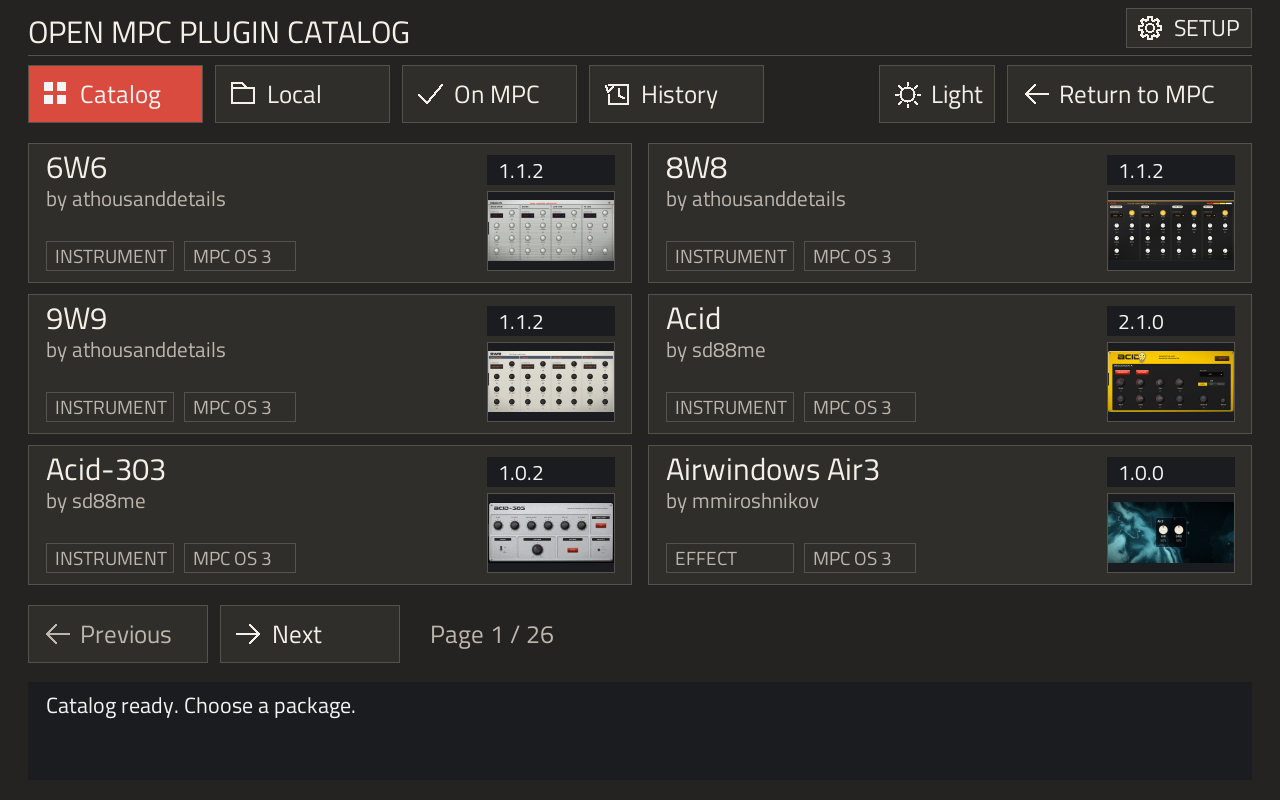
Catalog
OnlineBrowse community releases and check compatibility before downloading.
View guide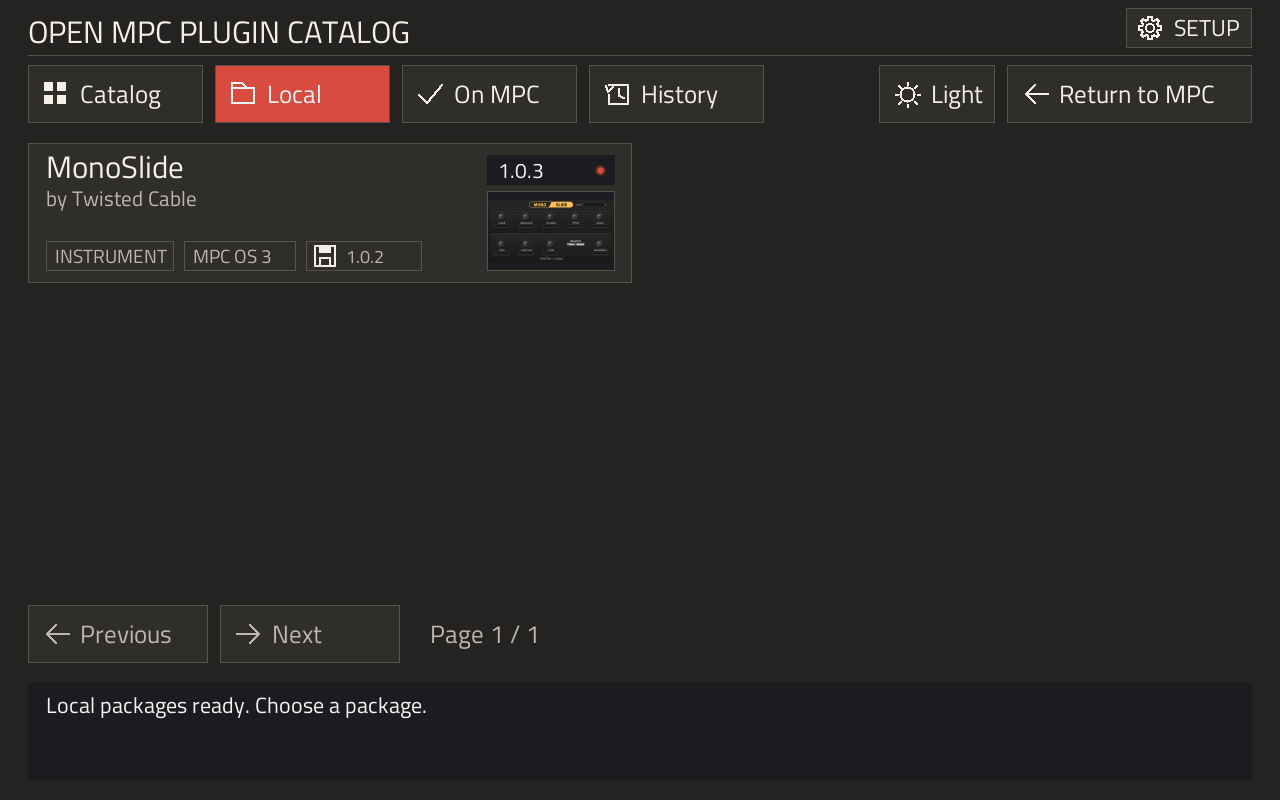
Local
OfflineInstall compatible ZIPs from the source drive’s local-plugins folder.
View guide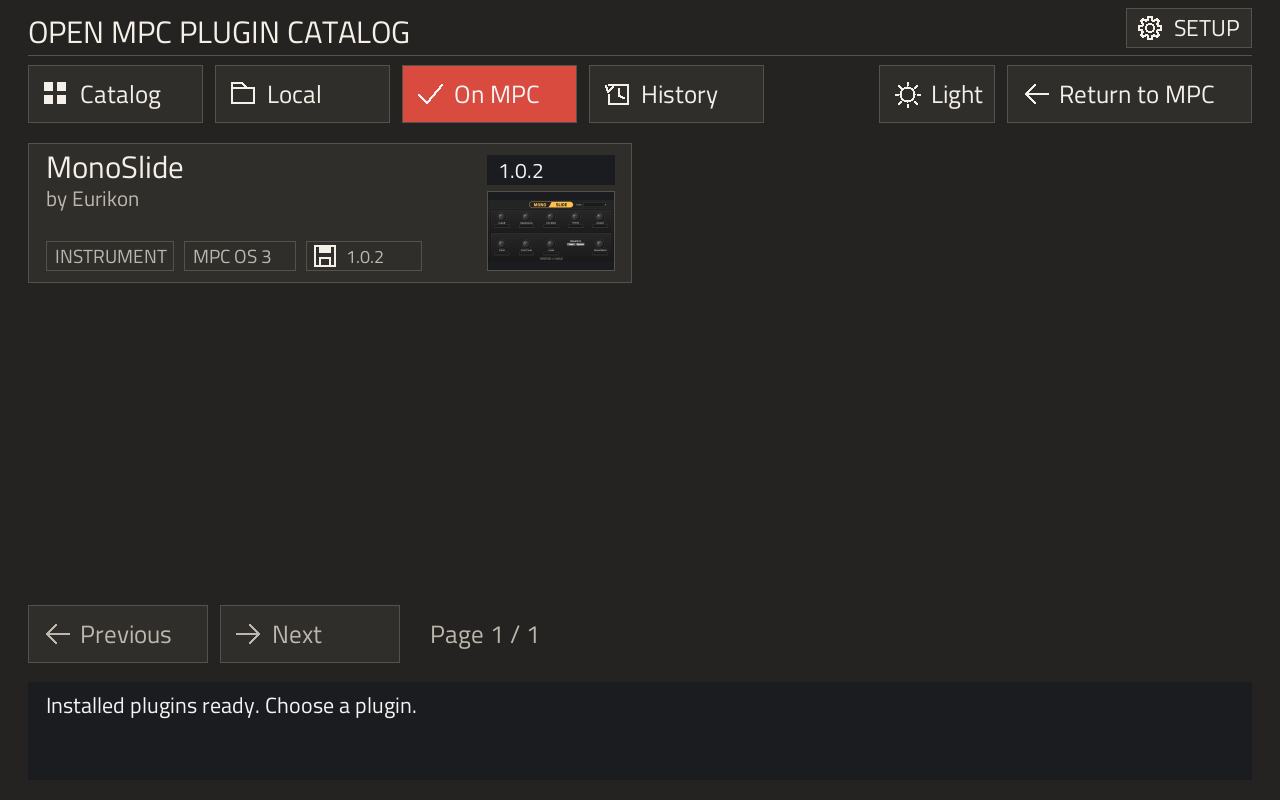
On MPC
DeviceSee what is installed on the device and choose update or removal actions.
View guide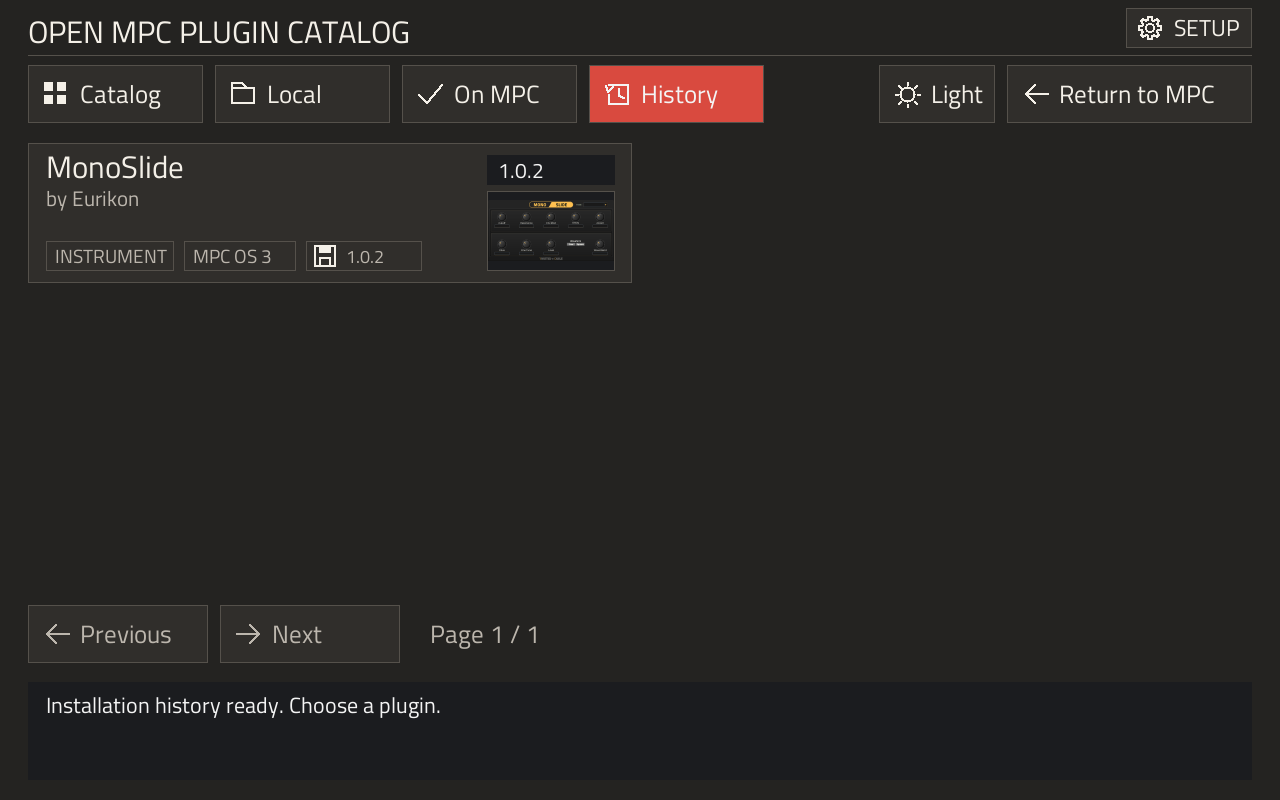
History
InventoryCompare the saved installation record with the current device.
View guide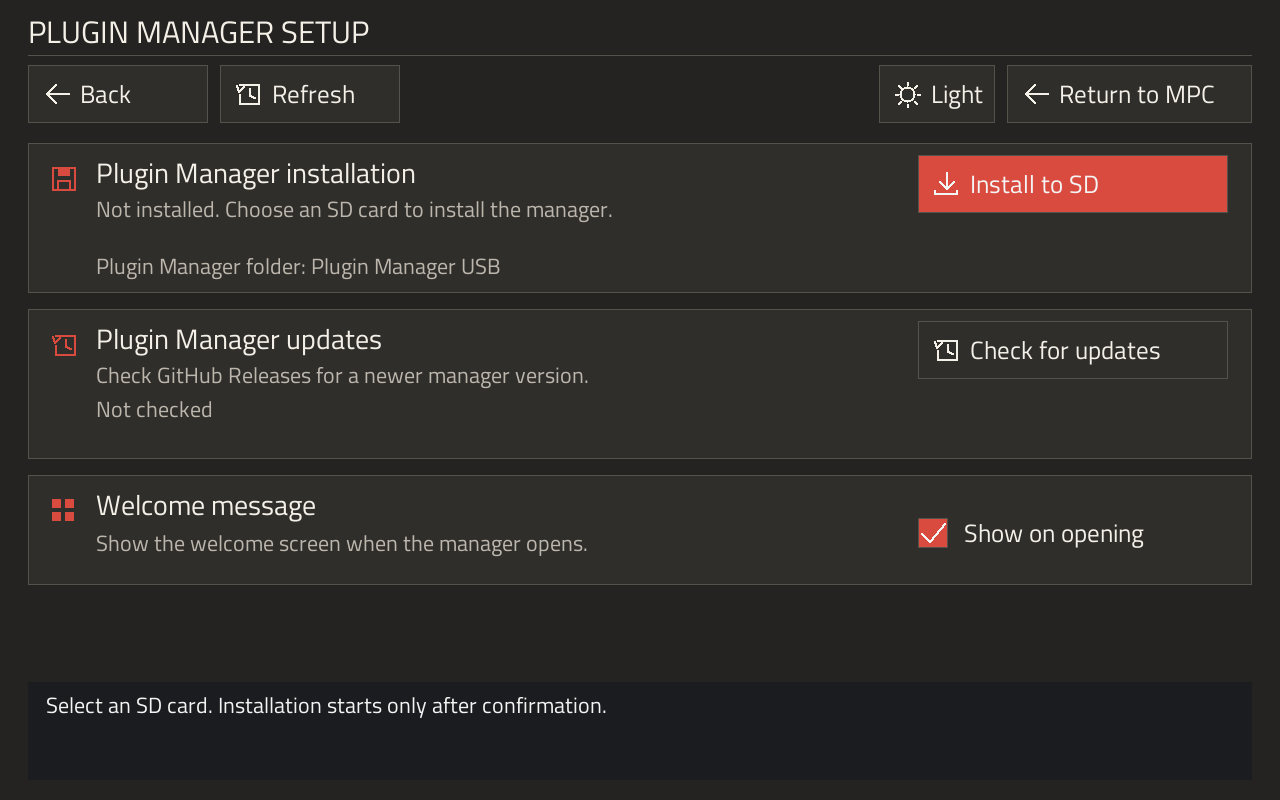
Setup
USB & SDManage the SD installation, welcome message and manager updates.
View guideOne bundle. Two setup routes.
Copy the archive contents to an MPC-formatted USB stick, including the hidden marker.
MPC OS 3.9.1
Insert the stick and choose Open in the script prompt.
MPC OS 3.10
Import the supplied helper once, then use USB or install the manager on SD.
Save your project before opening. The MPC application restarts when you return; allow 30 seconds or longer.